
Gorgias Pricing in 2026: The Double-Bill Explained (and How to Avoid Bill Shock)
Gorgias charges a per-resolution AI fee of about $0.90 to $1.00 on top of its standard per-ticket fee, so one automated conversation can be billed twice.

Gorgias charges a per-resolution AI fee of about $0.90 to $1.00 on top of its standard per-ticket fee, so one automated conversation can be billed twice. Overages run about $1.50 per interaction, and seasonal spikes like Black Friday can double or triple a monthly bill with no change in team size.
How Gorgias pricing is structured in 2026
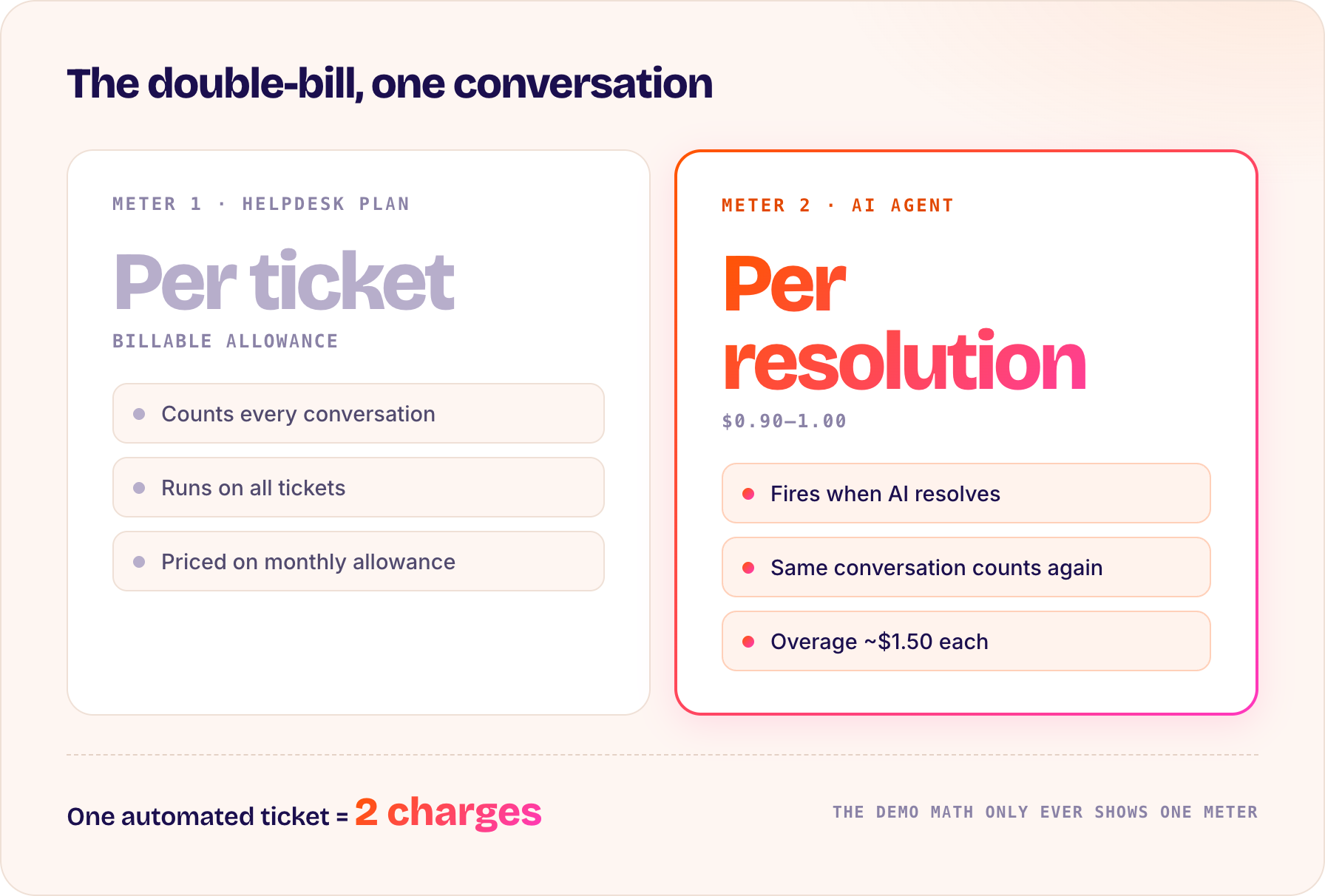
Gorgias pricing has two layers that matter. The first is the helpdesk plan, priced on a monthly allowance of billable tickets. The second is the AI Agent, priced separately per resolution. Understanding that these are two meters running at once is the key to reading your invoice.
On its own, per-resolution pricing sounds fair: you pay when the AI does work. The problem is what happens when both meters run on the same ticket.
The double-bill: paying for the ticket and the resolution
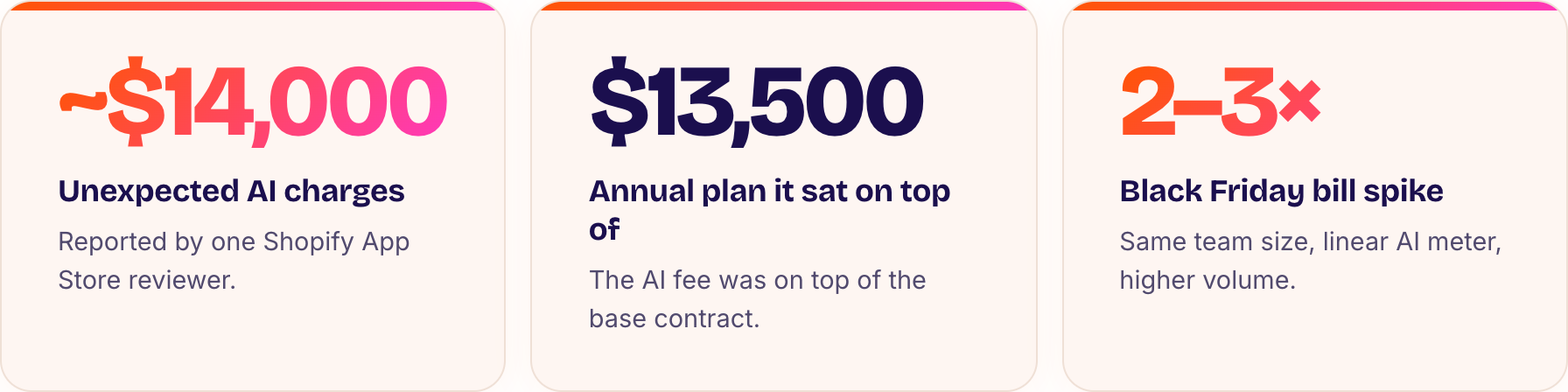
When the AI Agent resolves a conversation, that conversation still counts against your helpdesk ticket allowance, and it also incurs the per-resolution AI fee. In practice, one automated ticket can be charged twice: once as a ticket, once as a resolution. One Shopify App Store reviewer reported roughly $14,000 in unexpected AI charges on top of a $13,500 annual plan.
This is not a hidden fee in the conspiratorial sense. It is a structural consequence of running two usage meters. But it surprises a lot of teams, because the demo math only ever shows one meter.
Overage and peak-season math: a worked example
Say your plan includes a set number of AI resolutions and you exceed it during a promotion. Overages are billed at about $1.50 per interaction, higher than the base per-resolution rate. Now layer a Black Friday spike on top. Ticket volume jumps, AI resolutions jump with it, and because the AI meter scales linearly with volume, your bill can double or triple in the exact month your margins are tightest.
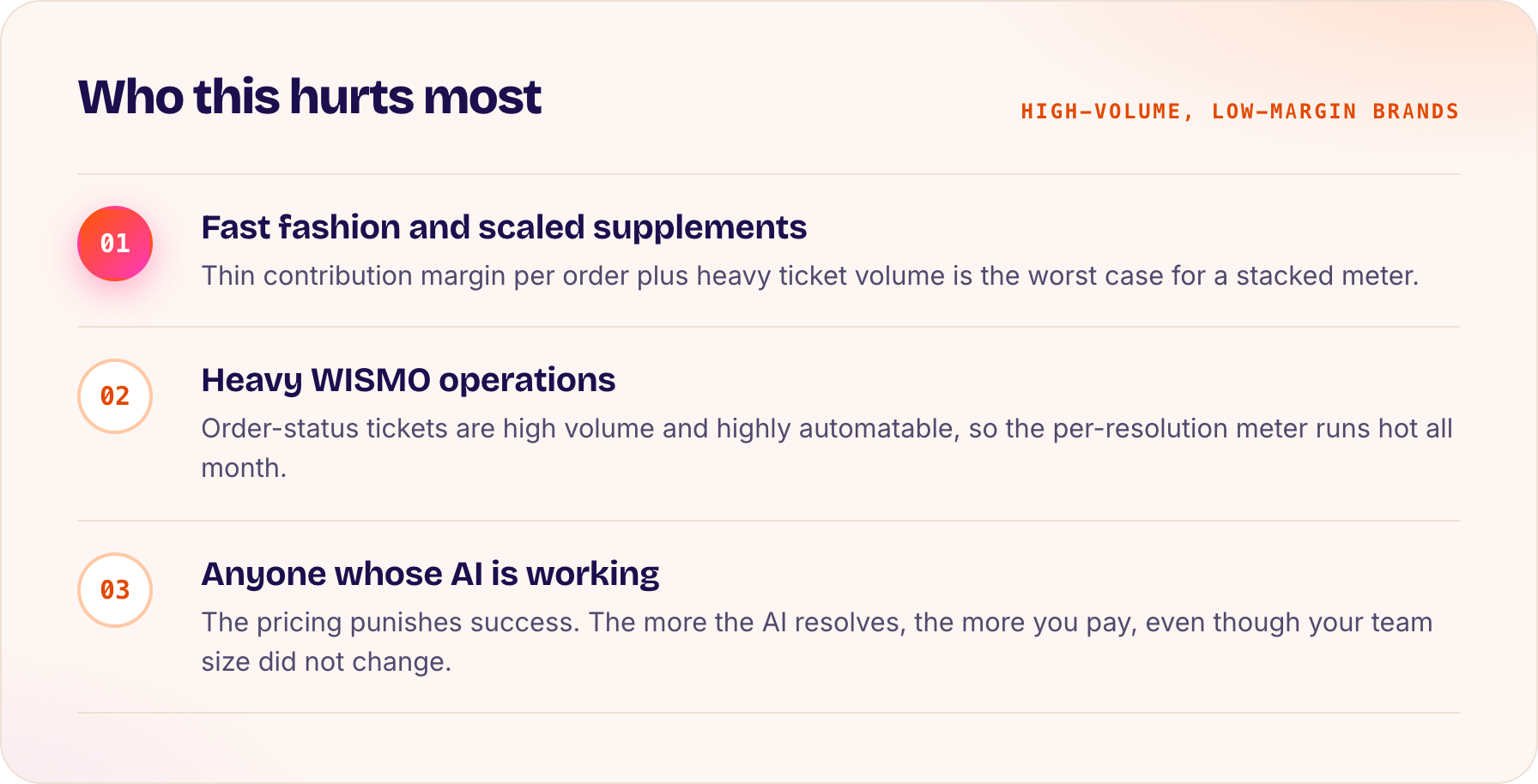
The cruel part is that the pricing punishes success. The more the AI resolves, the more you pay, even though your team size did not change.
Who this hurts most
High-volume, low-margin brands feel it first. Fast fashion, supplements at scale, anything with heavy WISMO. If your contribution margin per order is thin and your ticket volume is high, a per-ticket plus per-resolution model can quietly erase the savings the AI was supposed to deliver.
Outcome-aligned pricing: the alternative
The cleaner model is to pay for confirmed outcomes on a single meter, not for activity across two. Outcome-aligned pricing ties cost to resolutions that actually closed the customer problem, so your spend tracks value rather than raw volume. That also removes the incentive to count a soft resolution just to trigger a charge.
How to model your true cost per resolved ticket
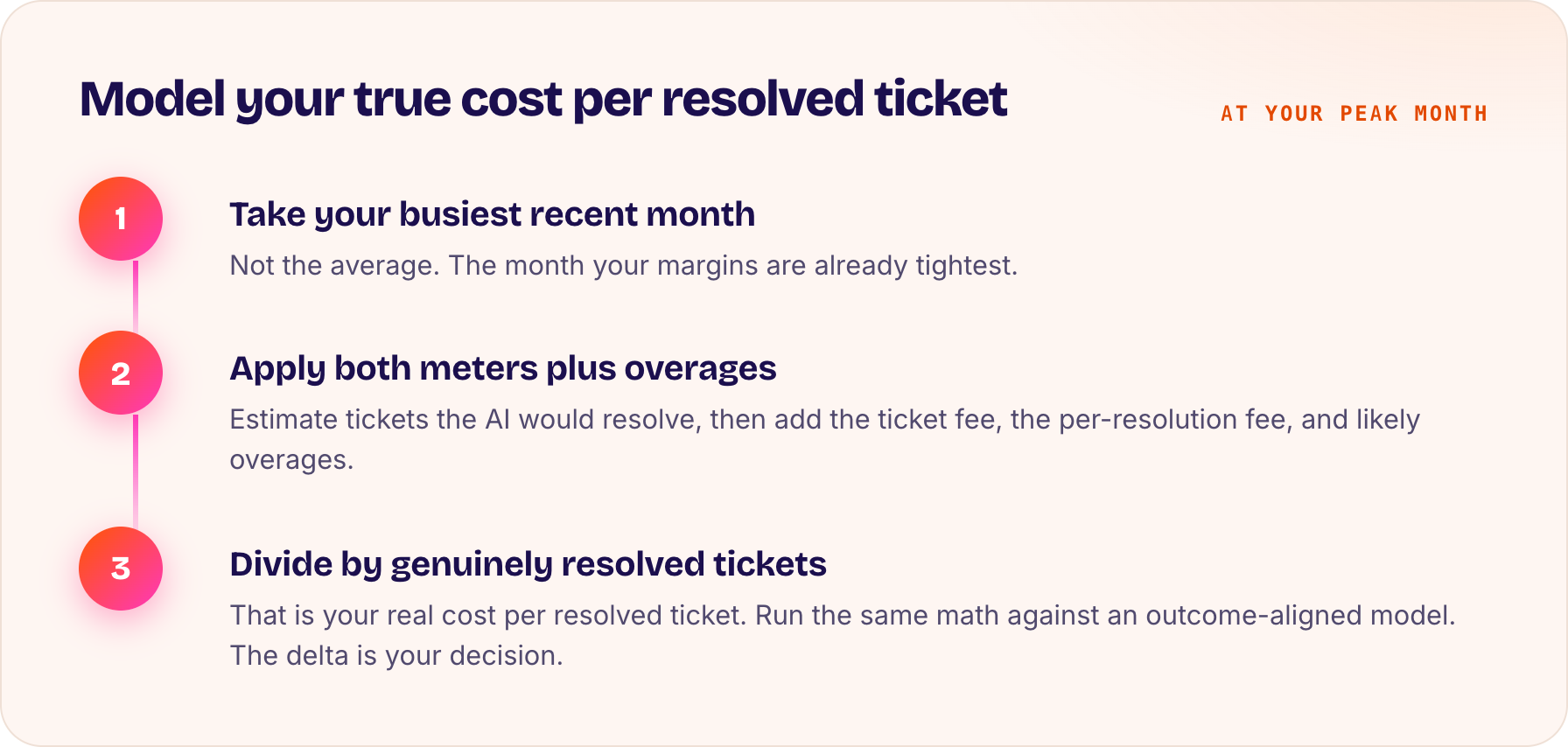
Do not compare list prices. Compare cost per resolved ticket at your peak month. Take your busiest recent month, estimate the tickets the AI would resolve, apply both the ticket and per-resolution fees plus likely overages, and divide by the number of genuinely resolved tickets. Then run the same math against an outcome-aligned model. The delta is your real decision.
Frequently asked questions
1) How much does Gorgias AI Agent cost?
Gorgias charges roughly $0.90 to $1.00 per AI resolution, separate from the helpdesk ticket fee, with overages around $1.50 per interaction above your plan allowance.
2) Does Gorgias charge twice for one ticket?
Effectively yes for automated tickets: you pay the standard ticket fee plus a separate per-resolution AI fee on the same conversation.
3) Why did my Gorgias bill spike during Black Friday?
Per-resolution pricing scales directly with volume, so seasonal ticket spikes can double or triple your monthly AI charges even though your team size did not change.
See Evo in action, running on your store
Book a 30-minute walk-through to see how Evo fits on your actual catalog, your support tickets, and your real search queries — and see your real customer graph in action